.png?width=550&height=171&name=frodx-logo-new%20(1).png)
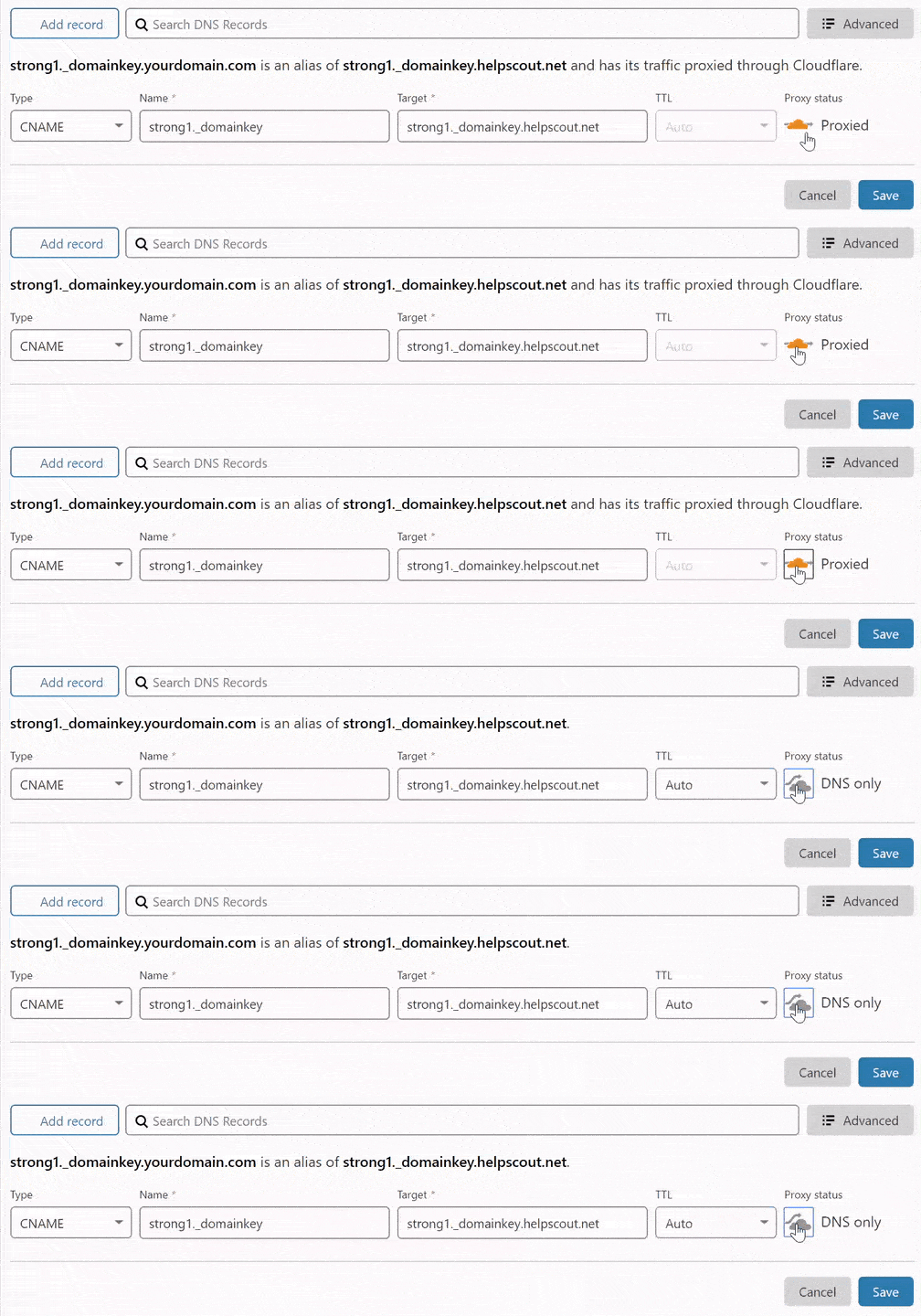
There are two instances in setting up Help Scout that you will need to create CNAME records at your DNS hosting provider: if you choose to set up DKIM to help with email deliverability and if you want to use a custom domain name with Docs. When your DNS is hosted with Cloudflare, you will need to create a DNS only CNAME record to be compatible with Help Scout. This article will help you get the right settings in place.
Create a CNAME Record at Cloudflare
DNS +Add record
Set up DKIM
You will be creating 2 CNAME records here. See Use DKIM to Help With Email Delivery for more on this setting.
- Name strong1._domainkey and Target strong1._domainkey.helpscout.net
- Name strong2._domainkey and Target strong2._domainkey.helpscout.net
Custom Domain Name for Docs
To add a custom domain to your Docs site, the Name will be the first part of your custom domain name (e.g. for help.jgclothing.co, you would just enter help into the Name field), and the Target will be your Sub-domain from your Docs settings. Check out Use Your Own Custom Domain With Docs for much more detail on that feature.
Note: If the directions here seem out of date, please let us know! Cloudflare may change their menus and options without our knowledge - if you'll give us the heads up, we'll get this updated.
Did this answer your question? Thanks for the feedback There was a problem submitting your feedback. Please try again later.Yes No No results found