.png?width=550&height=171&name=frodx-logo-new%20(1).png)
The person who originally signed up your Help Scout account is the Account Owner by default. Only the Account Owner can change plans and payment information by default and there is only one Account Owner. Transferring account ownership to another Help Scout user is quick and easy!
Transfer Account Ownership
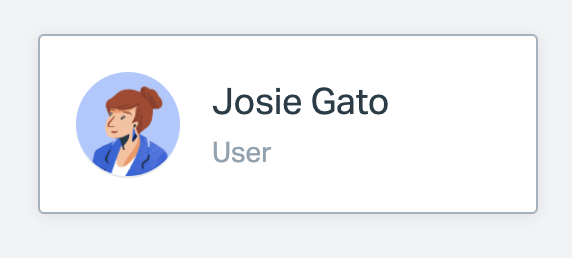
Log in to Help Scout, then head over to Manage > Users. Locate the profile of the Administrator you'd like to transfer ownership to, then click on the User tile.
 Permissions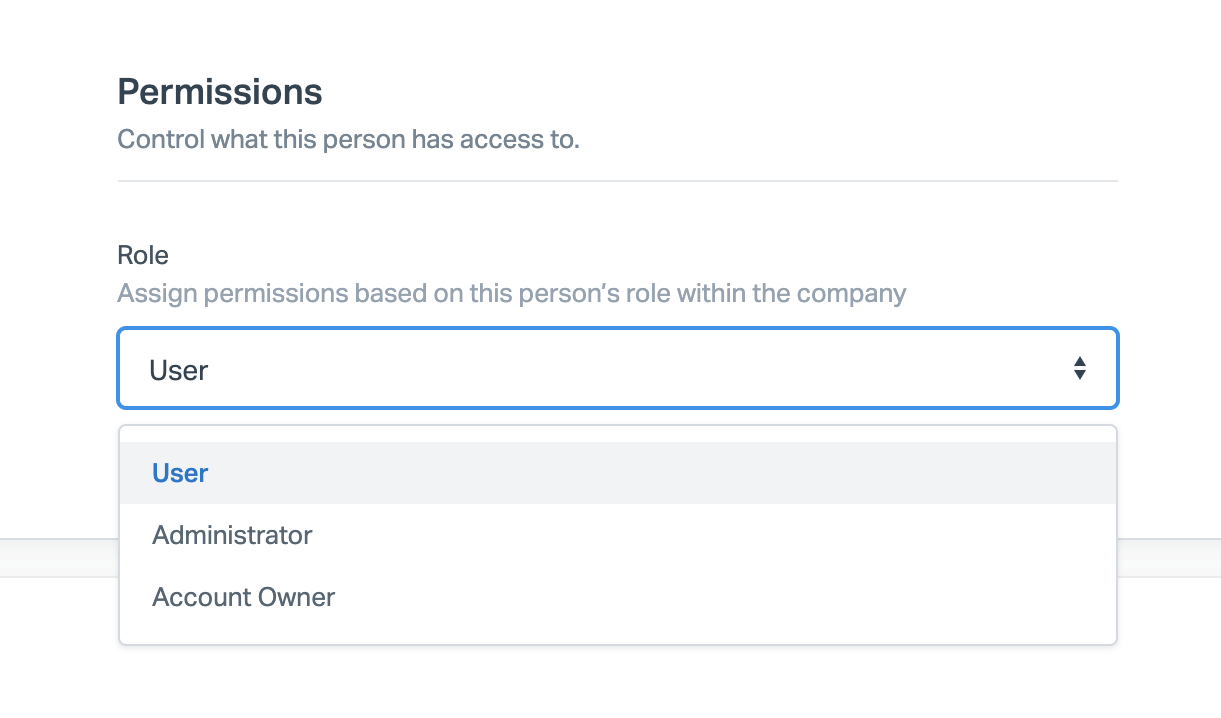
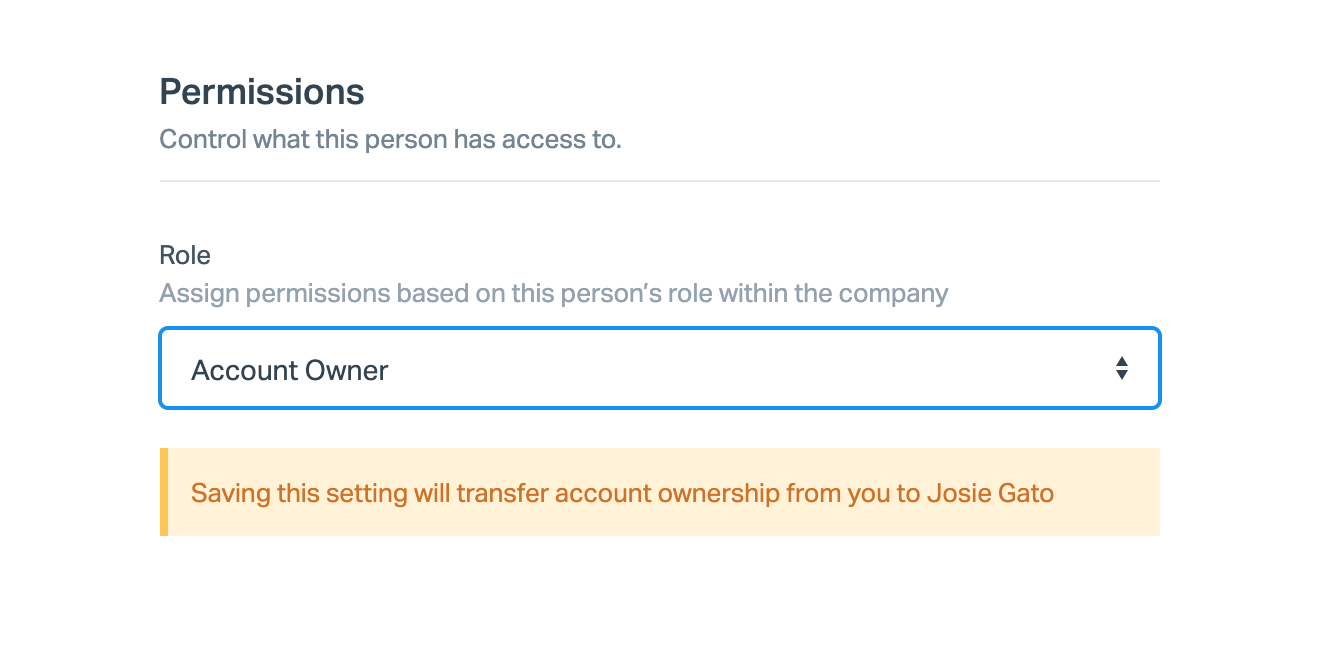
Scroll down to the bottom of the page and click Save to save the changes. The previous Account Owner immediately becomes an Administrator.
Note: If the Account Owner has left the company without transferring ownership, you can initiate a password reset to the Account Owner's email address and reset that password, then log in as the Account Owner and transfer ownership by this process. You may need to request access to or a reactivation of that email from your IT department or email admin.
If you are unable to complete that process, give us a shout!